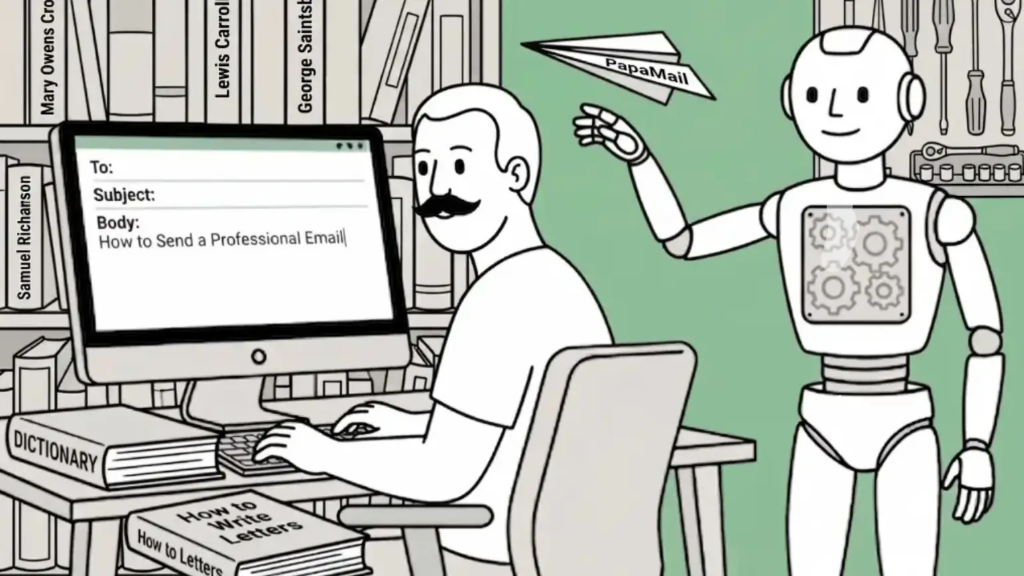
A professional email is often the first impression you make at work: with a new client, a hiring manager, or a colleague you have never met. Get it right, and you come across as clear, capable, and easy to work with. Get it wrong, and even a good message can land badly.
The good news: Sending a professional email is a repeatable skill, not a talent. Once you know the structure and a few rules of etiquette, you can write a polished message in minutes. This guide walks you through it step-by-step, with copy-and-paste templates you can use today.
CONTENTS TABLE
- How to Send a Professional Email in 6 Steps
- What Makes an Email “Professional”?
- Write a Clear, Specific Subject Line
- Open With the Right Greeting or Salutation
- Write a Concise, Scannable Body
- End With a Strong Closing Line & Sign-off
- Add a Professional Email Signature
- Review Before You Hit Send
- Professional Email Examples & Templates
- Use a Professional Email Address
- Professional Email Etiquette: Do’s & Don’ts
- Common Mistakes to Avoid

How to Send a Professional Email in 6 Steps
Here’s the short version. Each step is explained in detail below:
- Write a clear, specific subject line so the reader knows what the email is about.
- Open with an appropriate greeting using the recipient’s name.
- State your purpose in the first sentence, then keep the body concise and scannable.
- End with a clear next step or request.
- Close with a professional sign-off and a complete email signature.
- Proofread, check the recipients and attachments, then send.

What Makes an Email “Professional”?
A professional business email is clear, courteous, and easy to act on. It respects the reader’s time: The subject line tells them what to expect, the first line explains why you are writing, and the body gives them exactly what they need: No more, no less.
The tone is polite without being stiff, the formatting is clean, and the message is free of typos. It also comes from a credible email address, which we cover later. None of this requires fancy language. In fact, plain, direct writing always reads as more professional than dense, formal phrasing.
Write a Clear, Specific Subject Line
Many people decide whether to open an email based on the subject line alone, so make it count. Aim for a short phrase, around four to eight words, that summarises your message and signals any action needed. Avoid vague subjects like “Quick question” or “Hi,” and never leave it blank.
Strong Examples
- Meeting request: 15 Minutes this week?
- Invoice #4172: Due Friday, June 12.
- Following up on the marketing proposal.
- Question about the Q3 reporting deadline.
Open With the Right Greeting or Salutation
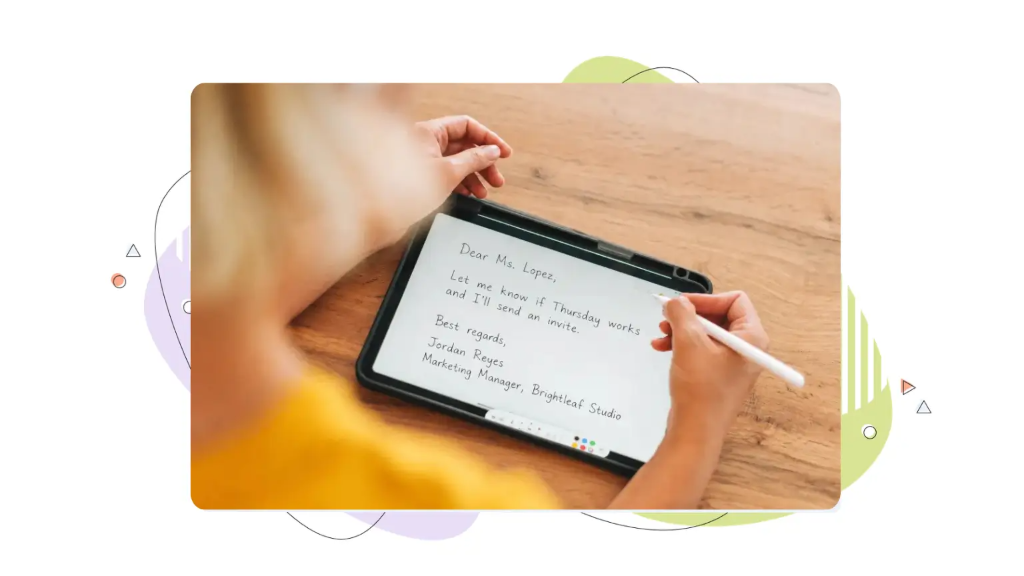
Your greeting sets the tone. When you know the recipient’s name, use it: Hi Sarah, works for most workplace emails, while Dear Ms. Lopez, suits a more formal or first-time contact. If you don’t know the name, Hello, or Hi there, is better than the dated To whom it may concern. Try to find a name where you can: It shows effort and lands better than a generic opener.
Write a Concise, Scannable Body
State your purpose in the first sentence so the reader never has to guess why you wrote. Then keep paragraphs short, two or three sentences, and use a list when you have several points or questions.
Most readers skim on a phone, so a wall of text gets ignored. Stick to one main topic per email, write in a polite but direct tone, and make any request explicit: what you need, and by when.
End With a Strong Closing Line & Sign-off
Finish with a sentence that points to the next step. For example, Let me know if Thursday works and I’ll send an invite, or Thanks in advance for your help. Then add a sign-off.
Safe, professional options include Best regards, Kind regards, Thanks, and Best,. Save Cheers for colleagues you know well, and skip overly casual or jokey sign-offs in formal contexts.
Add a Professional Email Signature
A signature makes it easy for people to identify and reach you. Keep it simple: your full name, job title, company, and one or two contact details. A typical signature looks like this:
Jordan Reyes
Marketing Manager, Brightleaf Studio
jordan@brightleafstudio.com | (555 ) 012–3456
Avoid clutter: Long quotes, multiple images, or a dozen social links make a signature look unprofessional and can trip spam filters.

Review Before You Hit Send
A 30-second review catches the mistakes that undermine an otherwise good email.
Proofread for Tone, Grammar & Clarity
Read your email once for errors and once for tone. Sarcasm and frustration travel badly in text. Reading it aloud, or running it through a spell-checker, helps you catch typos and awkward phrasing before the reader does.
Double-Check Recipients, Attachments & Reply-All
Confirm you are emailing the right person, that any file you mention is actually attached, and that you are not about to reply-all to a large group by accident. Add the recipient’s address last so you can’t send the message before it’s finished.
Consider Timing: When to Send
Emails sent during normal working hours tend to get faster, calmer responses. If you finish a message late at night, consider scheduling it for the next morning rather than sending immediately.
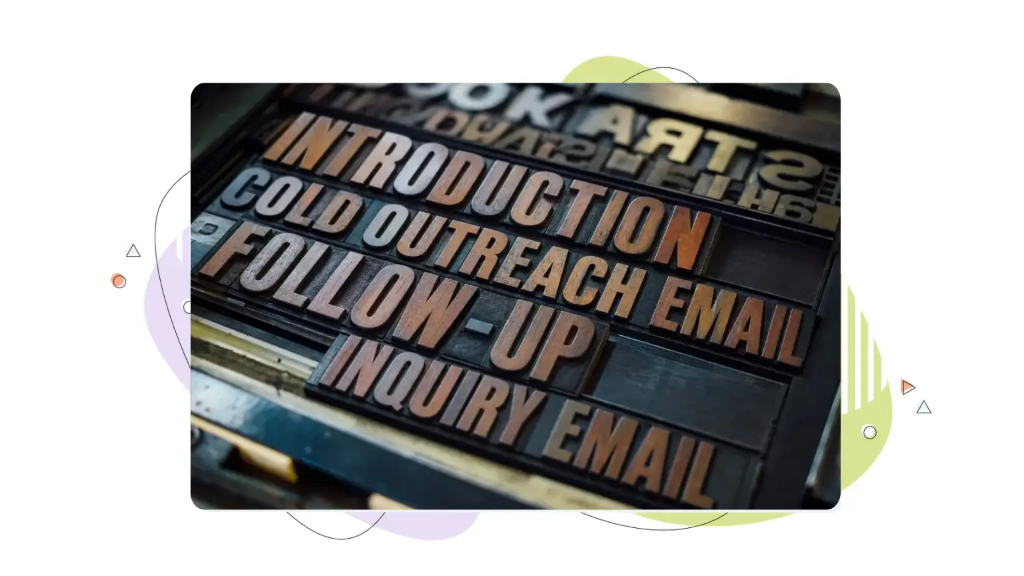
Professional Email Examples & Templates
Use these as starting points, swap in the details and adjust the tone to fit your relationship with the recipient.
Introduction/Cold Outreach Email
Subject: Introduction: [Your Name ] from [Company ]
Hi [ Name ],
I’m [Your Name ], [ your role ] at [Company ]. I came across your work on [specific detail ] and wanted to reach out because [clear reason ].
Would you be open to a short call next week to explore whether there’s a fit? I’m happy to work around your schedule.
Best regards,
[Your Name ] + signature
Follow-up Email
Subject: Following up on [topic ]
Hi [Name ],
I wanted to follow up on my note from [day ] about [topic ]. I know things get busy. Is this still something you’d like to move forward on?
Happy to answer any questions. Thanks for your time.
Best,
[Your Name ] + signature
Request or Inquiry Email
Subject: Question about [specific item ]
Hi [Name ],
I’m writing to ask about [specific request ]. Could you let me know [exact question ] by [date ]?
Thanks in advance for your help; it’s much appreciated.
Kind regards,
[Your Name ] + signature
Use a Professional Email Address
Even a perfectly written email loses credibility if it comes from an address like coolguy_99@freemail.com.
Why a Custom-Domain Address Beats a Free Gmail or Yahoo Account
An address on your own domain, such as you@yourbusiness.com, looks more credible, reinforces your brand every time you send, and is less likely to be mistaken for spam. For a business, free webmail addresses can make you look like a hobby rather than a company. A custom-domain address signals that you’re established and serious.
How to Set Up Email on Your Own Domain With HostPapa
Setting up professional email on your own domain is quick. With HostPapa, you can register a domain and add mailboxes such as you@yourbusiness.com in a few steps, then access your email on the web, your phone, or your favourite email app.
If you don’t have a professional address yet, this is the easiest place to start. See HostPapa’s email hosting plans to set yours up today.

Professional Email Etiquette: Do’s & Don’ts
A few habits keep your emails on the right side of professional:
Do:
- Reply within one business day, even if only to acknowledge receipt.
- Use CC for people who need to stay informed, and BCC to protect recipients’ privacy on group emails.
- Match the other person’s level of formality once you know it.
Don’t:
- Write in all capitals; it reads as shouting.
- Use slang, excessive exclamation marks, or emojis in formal messages.
- Send sensitive or emotional messages without sleeping on them first.
Common Mistakes to Avoid
- A vague or missing subject line that gets your email ignored.
- Burying your request at the bottom of a long message.
- Forgetting the attachment you referred to.
- Hitting reply-all when only the sender needed your response.
- Skipping the proofread and sending an email full of typos.

FREQUENTLY ASKED QUESTIONS
How do you start a professional email?
Start with a greeting that uses the recipient’s name: Hi Sarah, or Dear Ms. Lopez, and then open with a sentence that states why you’re writing. A clear purpose up front respects the reader’s time and sets a professional tone.
What is a good professional email address?
The most credible choice is your name on your own domain, such as firstname@yourbusiness.com. If you must use free webmail, choose a clean variation of your real name and avoid numbers, nicknames, or anything casual.
What is the 30-30-50 rule for cold emails?
It’s a guideline for cold outreach: Spend about 30% of your effort on the subject line, 30% on the opening line, and 50% on the offer or call to action. This is a reminder that getting opened and getting a reply matter just as much as the body of your message.
What are some professional email examples?
Introduction, follow-up, and request emails are the most common. See the copy-paste templates above for a ready-made starting point you can adapt to your own situation.

Your email address is the first thing a customer judges.
Professional addresses on your own domain, calendar and contacts that sync to every device, enterprise-grade spam and virus filtering, and Google Workspace or Microsoft 365 if you need the full suite, from as low as $1.00 per mailbox per month with 24/7 human support.