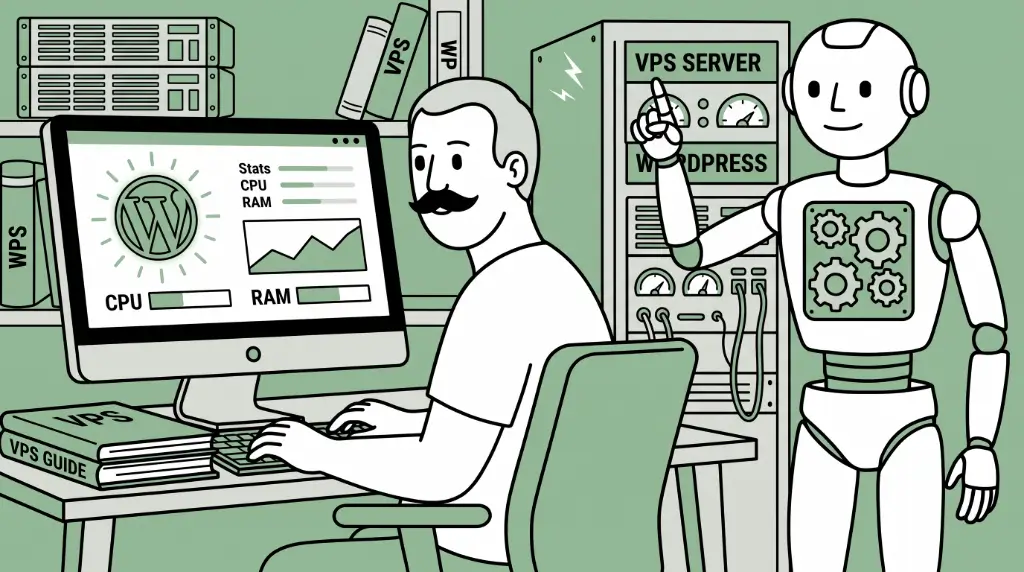
Every growing website hits a specific moment. Your traffic is climbing, your pages feel a little sluggish during peak hours, and the hosting plan that used to feel like plenty now feels like a pair of shoes half a size too small. That’s usually the point where shared hosting stops being an option and two new options start showing up in your research: dedicated vs. VPS hosting.
Here is a simple, one-sentence breakdown explaining the difference between these two options. VPS hosting gives you a private, guaranteed slice of a shared physical server, while dedicated hosting gives you the entire machine to yourself. That’s a broad overview, but there’s a lot more nuance to the VPS vs. dedicated server debate than that. In this article, we’ll take a closer look at what that difference means for your site’s speed, security, flexibility, and budget, and how you can make an informed decision when choosing between VPS and dedicated hosting.
If you’re still not sure you’ve outgrown shared hosting in the first place, it’s worth pausing here. HostPapa has a dedicated breakdown of Web Hosting vs. VPS Hosting that walks through that earlier decision point. But if you’re past that and weighing VPS against dedicated hosting, keep reading.
- VPS Hosting vs. Dedicated Server: The Core Difference
- Dedicated vs. VPS Hosting: A Side-by-Side Comparison
- Performance: How VPS & Dedicated Servers Compare
- Security & Isolation: VPS vs. Dedicated Server
- Scalability: Scaling a VPS vs. Scaling a Dedicated Server
- Cost: VPS Hosting vs. Dedicated Server Pricing
- When to Upgrade From VPS to a Dedicated Server
- When VPS Hosting Is Still the Right Choice
- Why Choose HostPapa for VPS or Dedicated Hosting
- How to Choose Between VPS & Dedicated Hosting

VPS Hosting vs. Dedicated Server: The Core Difference
Let’s start with what each of these actually is, because the names do a decent job of hinting at it, but the details matter when discussing VPS vs. dedicated servers.
What Is VPS Hosting?
VPS (short for virtual private server) hosting works by taking one physical server and dividing it into multiple isolated virtual machines through a technology called virtualization. Think of it like an apartment building: the building itself is shared, but your unit is yours. Nobody else gets to walk into your apartment, rearrange your furniture, or eat your leftovers.
In hosting terms, that means each VPS gets its own operating system, guaranteed CPU cores, dedicated RAM, and its own storage allocation. Other tenants on that same physical machine can’t touch your resources, and you can’t touch theirs. You get root access, the ability to install your own software stack, and performance that doesn’t waver just because someone else on the server got a traffic spike.
What Is Dedicated Hosting?
Dedicated hosting takes the apartment building and hands you the whole building instead. An entire physical server is leased to a single customer, meaning every CPU core, every gigabyte of RAM, every drive, and every ounce of network bandwidth belongs to you and only you. There’s no virtualization layer splitting things up, no neighbours, and no shared anything. You get complete control over the hardware configuration, the operating system, the software stack, and the security setup, right down to the metal.
So here’s the direct line between them: a virtual private server shares physical hardware with other virtual servers, even though your slice of it is protected and guaranteed. A dedicated server shares nothing with anyone. That distinction is the root of pretty much every other difference we’re about to walk through, from performance ceilings to security posture to price.
If you want to see what living at each end of that spectrum looks like in practice, HostPapa’s Managed VPS and Managed Dedicated Server plans are a good place to look, since they represent the two poles of this whole comparison.
Dedicated vs. VPS Hosting: A Side-by-Side Comparison
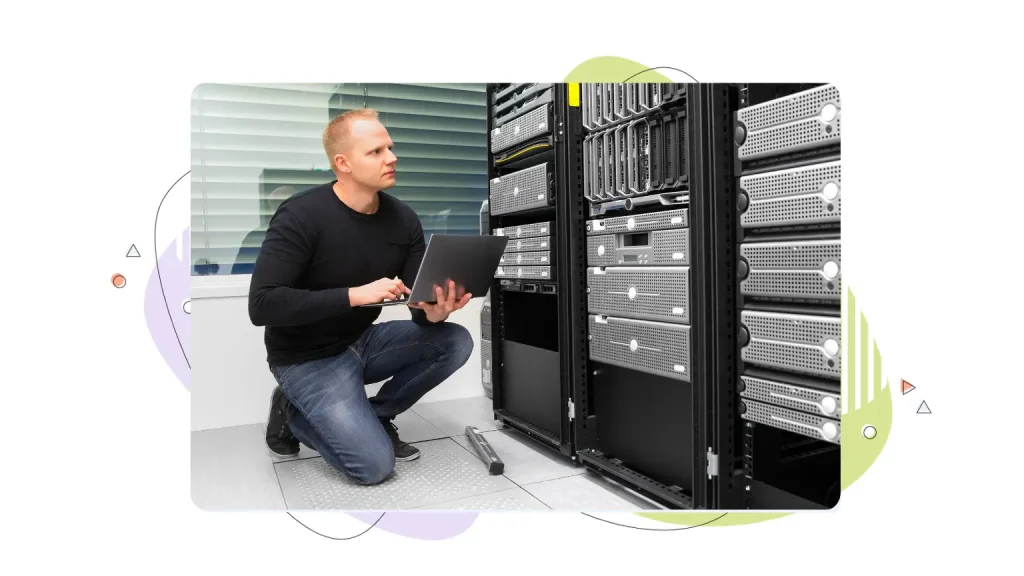
Sometimes you just want to see it laid out flat. Here is a straightforward dedicated hosting vs. VPS hosting comparison taking into account all the factors that actually matter when you’re making this call.
| Factor | VPS Hosting | Dedicated Server |
| Resource Allocation | Guaranteed slice of CPU, RAM, and storage on shared hardware | 100% of all server resources, no sharing. |
| Performance | Strong and consistent for moderate-to-high traffic | Maximum possible performance, no contention |
| Security | Isolated OS and resources; hardware itself is shared | Complete physical isolation from other tenants |
| Customization | Root access, flexible OS and software choices | Full hardware-level control and configuration |
| Scalability | Fast, software-level upgrades, minimal downtime | Requires hardware upgrades or migration |
| Management Overhead | Low to moderate, especially with managed plans | Higher, unless fully managed |
| Typical Use Case | Growing websites, eCommerce, apps with rising traffic | High-traffic sites, compliance-heavy workloads, custom infrastructure needs |
Looking at all of the VPS vs. dedicated server differences, one factor is worth calling out on its own: resource ceilings. VPS plans are genuinely powerful, but they do top out. Most VPS tiers cap out somewhere in the range of a handful of CPU cores and a moderate amount of RAM, since they’re still carved out of a shared physical machine that has to serve other tenants too. Dedicated server resources don’t have that ceiling in the same way. You’re limited only by the hardware you lease, which can scale far beyond what any single VPS plan offers. That resource ceiling is often exactly what pushes a growing site from one to the other.

Performance: How VPS & Dedicated Servers Compare
VPS vs. dedicated server performance is usually the first thing people ask about, and for good reason. A slow site costs you visitors, conversions, and search rankings. According to the latest statistics, 53% of users won’t wait longer than three seconds for a website to load. Given the outsized importance of website speed, it’s important to know how each hosting option measures up.
- Dedicated server speed sits at the performance ceiling. Because you’re the only tenant on the machine, there’s no other website competing with you for CPU cycles, memory, or disk I/O. Every resource the server has is available to your site, all the time, which translates into fast page loads even under heavy, unpredictable traffic. If your workload genuinely needs every bit of processing power a physical machine can offer, dedicated hosting is built for exactly that.
- VPS performance doesn’t hit that same ceiling, but it comes closer than many people expect. Because your resources are guaranteed and isolated, performance stays consistent and predictable for moderate to high traffic loads. It’s not identical to dedicated hardware, but for the vast majority of growing sites, the gap is smaller than the price difference would suggest.
So how do you know which side of that gap you’re on? Here’s a concrete self-check: if your VPS is regularly hitting its CPU or RAM limits during normal traffic, not just during a flash sale or a viral moment, that’s your signal. Occasional spikes are normal and expected. Consistent ceiling-hitting during an average Tuesday afternoon is a performance problem your current plan can’t solve.

Security & Isolation: VPS vs. Dedicated Server
VPS vs. dedicated server security often gets lumped in with performance, but it deserves its own spotlight, especially if you’re handling sensitive data.
- On a VPS, isolation happens at the software level. Your virtual machine runs its own operating system and has its own dedicated resources, completely separate from other VPS instances on the same physical server. You can’t see their files, they can’t see yours, and a problem on their instance doesn’t spill over into yours. That said, the underlying physical hardware is still shared. You’re in your own locked apartment, but you’re still in the same building as everyone else.
- Dedicated hosting removes the building entirely. There’s no other tenant on the hardware, full stop. That level of physical isolation matters most for compliance-heavy workloads. Think PCI DSS for payment processing or HIPAA for healthcare data, where regulations often require that sensitive information never touch shared infrastructure, even infrastructure that’s technically well-isolated.
Here’s the decision signal worth remembering: if your compliance requirements demand full physical isolation, that alone can justify choosing dedicated hosting, even before performance or traffic numbers enter the conversation. Some businesses don’t have a choice to make here; the regulation makes it for them.
Scalability: Scaling a VPS vs. Scaling a Dedicated Server
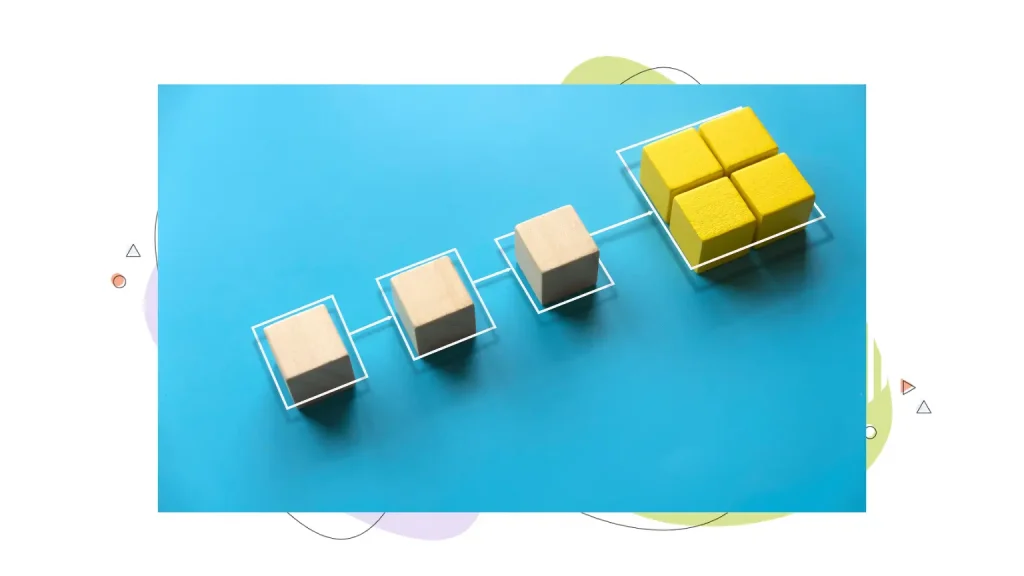
Growth is the whole reason most people end up comparing these two options in the first place, so it’s worth understanding how each one handles more of it.
- Scaling a VPS is a software-level change. Need more RAM or an extra CPU core? In most cases, upgrading VPS resources is a resource allocation adjustment on the provider’s end, deployable with minimal downtime. You’re not waiting on new hardware to arrive or a technician to install it. You request more, and you generally get more, often within minutes.
- Scaling a dedicated server works differently because you’re dealing with physical hardware. Outgrowing your current server usually means one of two things: a dedicated server hardware upgrade to the existing machine, or a full migration to a new, more powerful physical server. Either path takes planning, coordination, and often some amount of downtime, since you’re not just flipping a software switch.
Think of VPS scalability vs. dedicated server scalability as a time tradeoff. VPS scaling happens in minutes. Dedicated scaling takes days, sometimes longer, or requires you to buy ahead of your actual need so you’re not caught scrambling mid-growth-spurt. Neither approach is wrong, but they demand very different planning horizons.

Cost: VPS Hosting vs. Dedicated Server Pricing
Let’s talk money, in general terms rather than specific numbers, since exact pricing varies by provider and plan. VPS vs. dedicated server cost is one of the most relevant factors when people decide which path to take.
- VPS pricing sits in the middle tier. It costs more than shared hosting, which makes sense given the guaranteed resources and root access you’re getting, but it lands meaningfully below dedicated hosting. For a lot of growing businesses, that middle position is exactly the point: enough power to stop worrying about neighbours, without paying for an entire server’s worth of capacity you’re not using yet.
- Dedicated server pricing sits at the premium tier, and that pricing reflects what you’re actually getting: the entire resource pool of a physical machine, complete isolation, and typically a higher level of included support given the complexity involved in managing dedicated infrastructure.
Here’s a reframe worth sitting with: instead of comparing sticker prices, compare cost per resource. At high resource levels, a dedicated server can actually cost less per unit of CPU or RAM than stacking multiple VPS plans to get equivalent capacity, even though the monthly bill on the dedicated server looks bigger at first glance. If your site needs a large amount of raw resources, the math sometimes favours dedicated hosting more than the upfront price tag suggests.

When to Upgrade From VPS to a Dedicated Server
So how do you actually know it’s time to make the jump? A few concrete signals tend to show up together; here are signs you need a dedicated server:
- Your VPS resource limits are consistently maxed out. Not during a one-off spike, but as a regular pattern under normal, day-to-day traffic. If your resource usage graphs look pegged at the ceiling more often than not, that’s your infrastructure telling you it’s out of room.
- You’re handling regulated or sensitive data that requires full hardware isolation. If compliance frameworks like PCI DSS or HIPAA apply to your business, physical isolation isn’t a nice-to-have; it’s often a requirement.
- Your workload is resource-heavy by nature. Large databases, video processing, game server hosting, and similar workloads tend to demand more raw horsepower than a VPS tier can comfortably provide.
- You need custom hardware-level configuration. Specific hardware components, custom RAID setups, or configurations a virtualized environment simply can’t replicate.
Here’s the important framing: this is almost always a traffic and compliance decision, not a cost decision. Dedicated hosting rarely wins on price alone; a VPS is nearly always the cheaper route on paper. The businesses that move to dedicated hosting do it because their resource needs or regulatory obligations have outgrown what a shared physical server, even a well-isolated one, can offer.

When VPS Hosting Is Still the Right Choice
Now, let’s balance the scales, because it’s easy to read a section titled “When to Upgrade” and assume upgrading is the goal. It isn’t, not for most people. The truth is, many companies use VPS hosting for growing websites and eCommerce stores.
- Guaranteed resources mean your performance doesn’t degrade because of someone else’s traffic surge.
- Root access means you can configure your environment exactly how you want it.
- Easy scaling means you’re not locked into a rigid resource ceiling as you grow.
And you get all of that without the cost jump or the management overhead that comes with running an entire physical server.
Here’s a simple way to answer the question: Is VPS hosting enough? If you can’t name a specific, concrete reason you need an entire physical machine to yourself, whether that’s a compliance requirement, a resource-heavy workload, or a need for custom hardware configuration, then VPS is very likely still the right fit for your site. There’s no prize for over-provisioning. Plenty of successful, high-traffic websites run comfortably on VPS hosting indefinitely, simply upgrading their VPS tier as they grow rather than jumping to dedicated infrastructure they don’t yet need.

Why Choose HostPapa for VPS or Dedicated Hosting
Wherever you land in this decision, the provider you choose matters just as much as the plan type.
- HostPapa Managed VPS Hosting gives you guaranteed resources that won’t budge no matter what other tenants on the physical server are doing, backed by fast NVMe storage for quicker read and write speeds. You get your choice of control panel, so you can work in an environment that matches your comfort level, and a fully managed option is available if you’d rather not handle server administration yourself.
- HostPapa Managed Dedicated Server hands you full control over your server environment, from the operating system to the hardware configuration, with a managed option available for businesses that want the power of dedicated infrastructure without taking on all the administrative burden themselves.
Both HostPapa VPS Hosting and HostPapa Dedicated Server plans come with 24/7 human-backed support from HostPapa’s PapaSquad, real people who are actually reachable when something needs attention, not a ticket queue you shout into. When you’re managing infrastructure this technical, having someone knowledgeable to actually talk to, rather than a chatbot reading from a script, makes troubleshooting faster and a lot less stressful.

How to Choose Between VPS & Dedicated Hosting
If you’ve read this far and you’re still having trouble choosing between VPS and dedicated hosting, here’s a checklist to run through. It pulls together the signals we’ve already covered into one place:
- Current resource usage: Is your existing plan (VPS or shared) consistently maxed out under normal traffic, or only during rare spikes?
- Compliance requirements: Does your business handle data that legally or contractually requires full physical hardware isolation?
- Technical team capacity: Do you have the in-house expertise to manage a dedicated server yourself, or would you need a managed plan either way?
- Growth timeline: Are you scaling gradually, or do you have a clear, near-term reason to expect a major jump in resource needs?
Run your situation through this VPS vs. dedicated hosting checklist honestly, and the answer usually becomes pretty clear on its own.
If you’re still unsure after all that, here’s a simple rule of thumb: VPS is the lower-risk starting point. Upgrading from VPS to dedicated later is a straightforward move once you have real usage data to justify it. Going the other direction, downsizing from a dedicated server because you overestimated your needs, is a much more cumbersome and often costlier position to walk back from. When in doubt, start with VPS and let your actual growth tell you when it’s time to move up.
Making the Right Choice
At the end of the day, the dedicated vs. VPS hosting decision comes down to two clear paths. VPS hosting gets you guaranteed resources, solid performance, and real flexibility, all at a moderate cost that fits comfortably into a growing business’s budget. Dedicated server hosting gets you complete hardware isolation, the maximum performance ceiling available, and full control, at a price point that reflects owning an entire physical machine.
Neither one is the “better” choice in the abstract. The better choice is whichever one matches where your website actually is right now, not where you think it might be someday.
Ready to make the move? Explore VPS Hosting or Dedicated Server plans with HostPapa and get your site running on infrastructure that actually fits.