For a first website, a small-business site, a portfolio, or a simple online store, a website builder can be exactly what you need to start. The main reason for it is that it helps you get online sooner. It gives you a visual starting point, often with templates and drag-and-drop editing, so you can focus on your business, content, or customers instead of technical setup.
But how does it do all that, where to look, and at the end of the day, is it the best choice for you?
This article is all about how website builders work, what to look for, and how to decide if one fits your plans.
- What Is a Website Builder?
- Is a Website Builder Right for You?
- How Does a Website Builder Work?
- Online vs. Offline Website Builders
- Key Features to Look For in a Website Builder
- What Types of Websites Can You Build?
- Pros & Cons of Website Builders
- Website Builder vs. CMS vs. Custom Development
- How to Get Started With a Website Builder
- Choose the Right Starting Point
What Is a Website Builder?
A website builder is software that helps you design and publish a site through a visual editor. Instead of writing HTML and CSS for each page by hand (or vibe code it), you start with a template or layout, then add your own text, images, pages, and branding. You can even move things around and remove the things you don’t need.
Most website builders give you a visual way to arrange content.
You can add a heading, move an image, update colours, create a contact page, or publish a blog post from one place. All that by moving your mouse! Many also connect with hosting, domain setup, forms, online stores, and other tools you’ll need to run a website.
Services like that can remove a lot of the setup work that comes with building a site from scratch. That doesn’t mean every builder works the same way. Some focus on quick, managed site creation. Others offer more editing control, integrations, or advanced features as your site grows.
HostPapa’s Website Builder gives you a practical way to create and manage a website alongside your hosting account. It’s built for people who want a clear path from a site idea to a published page, without spending their first week learning code.
Is a Website Builder Right for You?
A website builder is a great fit if you want to launch a polished site without taking on a technical project. It gives first-time website owners a clear place to start and helps busy business owners keep their website up to date.
Cost is often the clearest signal. A website builder plan typically runs $10 or $50 a month, compared to $5,000 or more for a custom-developed site. Timeline tells a similar story; that a website builder can get you live in hours, while a custom build site usually takes weeks. HostPapa backs this with 20+ global data centers, so your site loads quickly no matter where your visitors are.
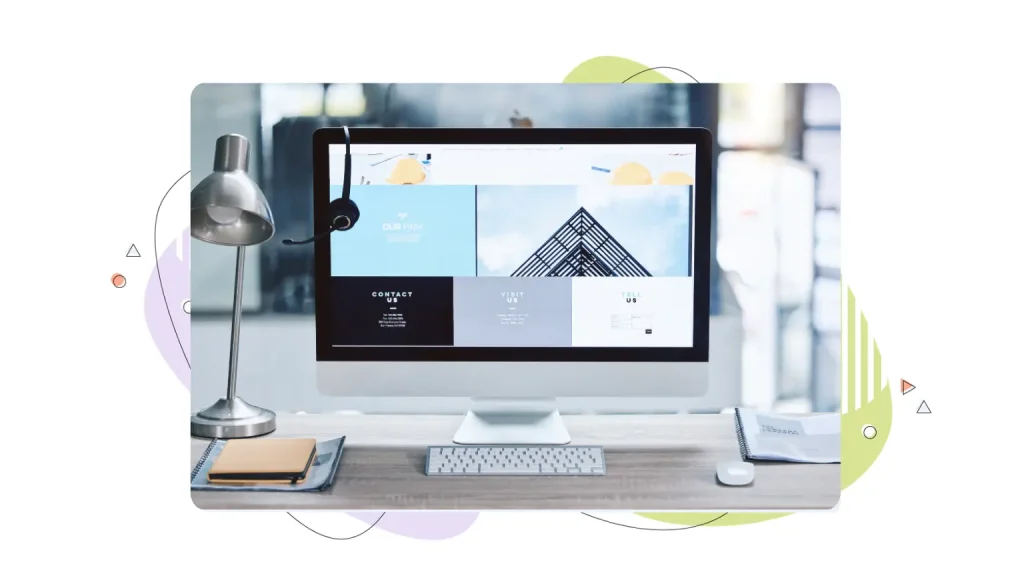
A Website Builder Is Often a Strong Fit For Beginners & Small Businesses
They’re ideal for beginners or when you need a site that explains who you are, what you offer, and how people can contact or buy from you. It can be a smart choice for service businesses, freelancers, consultants, restaurants, local shops, creators, and side projects.
It also suits people who want to handle everyday updates themselves. If you need to change your business hours, add a service, publish a new portfolio project, or promote an event, a visual editor can make that job less intimidating.
For a small business, an easy-to-use website builder can keep your site work manageable. You can spend more time serving customers and less time figuring out files, code, and publishing tools.
Need More Flexibility? Consider Another Option
A website builder isn’t the best route for every project. A custom-built site or a more flexible content management system can make more sense if your business needs a custom portal, unusual user accounts, advanced booking rules, complex product configurations, or a one-of-a-kind application.
You may also want a different approach if you need full control over the code, a large and complex content library, or a site that depends on specialized third-party systems. In those cases, the extra flexibility can be worth the added setup and maintenance work.
A good choice starts with your real needs. Don’t pay for a complicated setup if a simple site will do the job. At the same time, don’t force a complex project into a tool that can’t support it.
The Trade-Offs to Keep in Mind
Website builders make it easier to get started, but they can limit how much you can change a design or add custom functionality. Your content and design choices may also depend on the platform’s templates, integrations, and export options.
For many small sites, that trade-off is worth it. You get a guided setup, fewer technical tasks, and a site you can update yourself. For a project with special technical needs, a CMS or custom build may give you more room to grow.
How Does a Website Builder Work?
A website builder turns the usual web-design process into a set of guided steps. You choose a starting design, add your own content, make visual changes, preview the result, and publish when you’re ready. This workflow can take from minutes to hours depending on the ideas you churn out.
Most builders use a drag-and-drop editor to quickly adjust elements on the page. This means you can select an element, such as a text block, button, or image, and move or edit it visually. Many also use a WYSIWYG editor, short for what you see is what you get. In simple terms, the page you see while editing looks much like the page your visitors will see when they arrive.
You’ll normally begin with a template that matches your site’s purpose. A photographer might choose a portfolio layout. A plumber could start with a services page and contact form. A retailer could choose a design that supports product pages and checkout.
From there, you add your logo, colours, written copy, images, navigation, and key pages. You can connect your domain, review how the site looks on mobile devices, test your forms, and publish.
With HostPapa, you can manage your website-building work alongside your hosting account. That keeps the setup in one place and gives you a clear route to support if you need a hand. You can pair your brand new website with a free domain name and additional services to get more out of your site.
Online vs. Offline Website Builders
Not every website builder works the same way behind the scenes, and the difference comes down to where the tool actually lives.
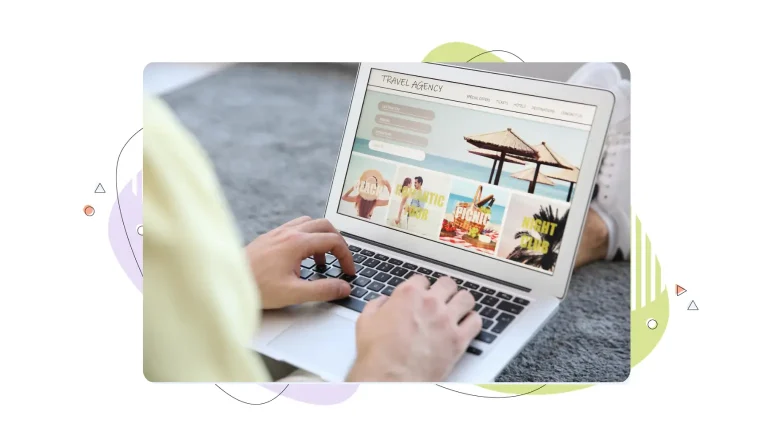
An online website builder runs entirely in your browser. You log in, edit your site, and publish, all without installing anything or moving files around. Your hosting, domain, and design tools are usually bundled into one plan, so there’s one login, one bill, and one place to get support. You can also make changes from any device, whether you’re on a laptop at your desk or fixing a typo from your phone.
An offline website builder works differently. You download desktop software, build your site locally, then manually export and upload the files to a web server using FTP. That extra step gives you more control over the files themselves, but it also means more setup, more room for error, and no built-in place to turn when something breaks.
For most beginners, solopreneurs, and small businesses, an online website builder is the clear choice. It removes the technical middle step, keeps everything in one dashboard, and gets a working site published faster. HostPapa’s Website Builder is fully online and tied to your hosting account, so there’s no software to install and no files to upload yourself.
Key Features to Look For in a Website Builder
The right website builder should make everyday site management easier. Start by matching its features to the job your site needs to do.
1. Design & Editing Tools
Look for responsive templates that work well on phones, tablets, and desktops. Your visitors won’t all use the same screen size, so your site needs to stay easy to read and use everywhere.
You’ll also want enough editing control to make the design feel like your business. Check how easily you can update colours, fonts, images, page layouts, buttons, and navigation. A template should save you time, not make your website look like everyone else’s.
2. Website Essentials
Check what the plan includes for domain connection, hosting, SSL certificates, publishing, and support. An SSL certificate protects the connection between your site and its visitors. It also helps visitors feel more comfortable when they share contact details, log in, or make a purchase.
Look for built-in SEO tools too; the ability to set page titles, meta descriptions, and alt text without touching code, plus automatic sitemap generation. These small settings make it easier for search engines to find and understand your pages
Think about the help you’ll need after launch too. If you’re new to websites, real support can save you time when you can’t find a setting or something doesn’t look right. Our PapaSquad support team is available 24/7 by phone, chat, and email, so you can get help from real people when you need it.
3. Business & Growth Tools
A business site often needs more than a homepage and a contact page. Look for tools that support forms, blogs, online booking, email tools, product pages, payment options, and integrations with services you already use.
If you plan to sell online, check the eCommerce features early. You’ll want to know how the builder handles products, inventory, payments, shipping, taxes, and customer messages. If you plan to publish articles, make sure the blog tools make it easy to create posts and organise them for readers.
4. Ownership & Flexibility
Ask what happens as your site grows. Can you add more pages, users, products, or tools? Can you export your content or move it later if your needs change? These answers can help you avoid surprises after you’ve invested time in building your site.
The best website builder features are the ones you’ll actually use. A simple, well-managed tool can beat a long list of options that you don’t need.
What Types of Websites Can You Build?
Website builders can support many common site types. The best starting design and features depend on what you want visitors to do.
Small-Business & Service Websites
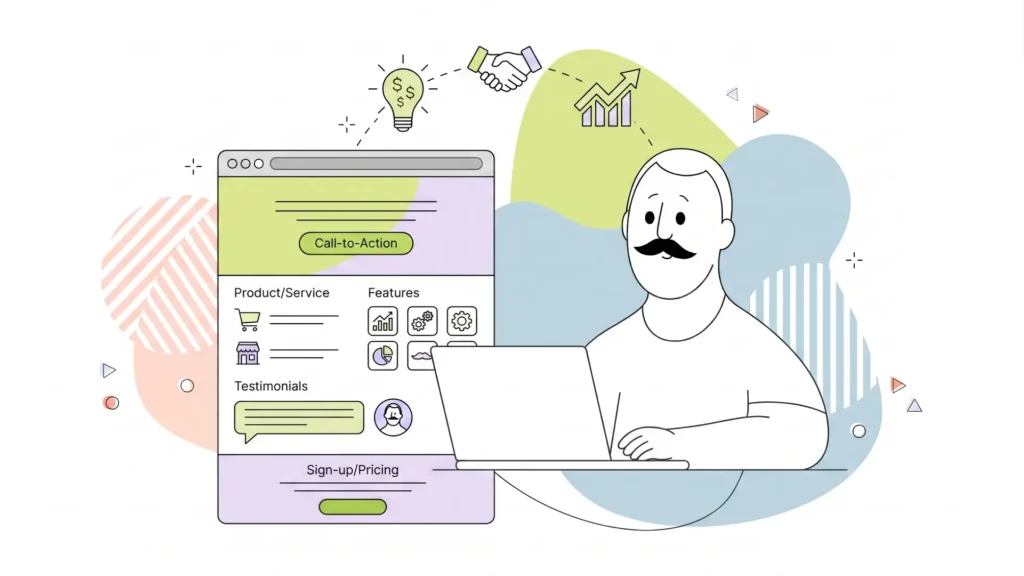
A service website helps people understand what you do and how to reach you. Start with clear service pages, contact details, customer reviews, photos, and a contact form. If you serve a local area, make it easy for visitors to see where you work and when you’re available.
Portfolios & Personal Websites
A portfolio puts your work front and centre. Designers, photographers, writers, and freelancers can use it to show projects, explain their process, and give potential clients an easy way to get in touch.
Blogs & Content Sites
A blog gives you a place to share updates, guides, opinions, and resources. Choose a builder that makes it easy to publish posts, organize categories, add images, and create clear navigation so readers can find related content.
Landing Pages
Landing pages focus on one goal, such as collecting registrations, promoting an event, introducing a service, or sharing a limited-time offer. Keep the page focused, use a clear call to action, and remove distractions that pull visitors away from the next step.
Online Stores
An online store needs product pages, payment tools, shipping settings, and a clear checkout process. Start with the products and selling features you need now, then choose a platform that can support your next stage of growth for your eCommerce store.
Pros & Cons of Website Builders
Once you know what a website builder can do (like the types of websites we pointed out right above), it helps to weigh the trade-offs in one place before you commit.
| Pros | Cons |
| No coding required: You design, edit, and publish visually, with no HTML or CSS to write. | Less design flexibility: You’re working within a template’s structure, so highly custom layouts or interactions may be out of reach. |
| Fast launch: Most sites can go from template to published page in hours, not weeks. | Platform dependence: Your content, design, and integrations are tied to the builder you choose, and moving everything to a new platform later can take extra work. |
| Lower cost: Plans are typically bundled and predictable, without the added expense of hiring a developer. | Scaling limit: Very large sites, complex product catalogues, or unusual custom functionality may eventually outgrow what a builder can support. |
| All-in-one management: Hosting, domain, design, and publishing tools live in a single dashboard. | |
| Real support when you need it: HostPapa’s PapaSquad team is available 24/7 by phone, chat, and email, so non-technical users always have someone to call. |
For most beginners, solopreneurs, and small businesses, the advantages of website builders outweigh the cons by a wide margin. A website builder gets you online quickly, keeps costs predictable, and hands you a manageable system to update yourself. The cons tend to matter most for larger, more complex projects, which is when a CMS or custom build starts to make more sense, covered next.
Website Builder vs. CMS vs. Custom Development
A website builder, a content management system, and a custom-built site can all help you create an online presence. They take different amounts of time, technical skill, and ongoing work.
| Factor | Website Builder | CMS | Custom Development |
| Setup | Guided and often quicker | Requires more setup choices | Depends on the project scope |
| Technical skill | Lower for everyday updates | Can require more technical knowledge | Usually needs professional development support |
| Flexibility | Depends on platform features | Can support themes, plugins, and code changes | Built around specific requirements |
| Maintenance | More managed | Depends on hosting, updates, and plugins | Depends on the developer and service agreement |
| Best fit | Managed sites that need a fast start | Sites that need more content or design control | Complex sites with unique functions |
A CMS, or content management system, helps you create and manage pages and content. WordPress is a well-known CMS, but WordPress setups can vary. A self-hosted WordPress site gives you more control over your hosting, themes, plugins, and code. It also gives you more responsibility for updates, compatibility, security, and maintenance.
A website builder can be easier for a site owner who wants a guided experience. A CMS can give you more choice when you need deeper customization. Custom development is built for projects that need functions a standard tool can’t provide.
HostPapa supports both paths. You can choose our Website Builder for a more guided site setup or explore HostPapa WordPress Hosting.
AI Website Builders: What They Can Help With
An AI website builder can help you get past the blank-page stage. It may suggest a starting layout, page sections, draft content, images, or design ideas based on details about your business.
That can save time, especially if you don’t have design experience. You’ll still want to review every page before it goes live. Check that the text sounds like your brand, the details are accurate, the images fit your business, and the layout works for your visitors.
AI can help you start faster. Your own knowledge of your customers, services, and goals is what makes the site useful.
How to Get Started With a Website Builder
You don’t need to have every detail figured out before you begin. A clear plan will help you build the right pages first and avoid redoing work later.
- Define your site’s purpose. Decide what you want visitors to do. You may want them to call, book a service, request a quote, read your articles, or buy a product.
- Choose the right plan and tools. Compare the pages, store features, support, and add-ons you’ll need now. Pick a plan that supports your current goals without making setup harder than it needs to be. Our Website Builder’s Basic or Advanced plans are ideal for getting started.
- Choose a template and add your brand. Select a layout that suits your business, then add your logo, colours, images, and voice. Keep the design clean so visitors can quickly understand what you offer.
- Build your key pages. Start with your homepage, services or products, about page, contact page, and any pages people need before they take action. Add forms, a blog, booking tools, or store features when they support your goal.
- Review and publish. Check the site on a phone and desktop. Test every form, button, menu item, and link. Make sure your contact details are current, connect your domain, and publish when everything works as expected.
If you want a managed place to build and host your site, HostPapa Website Builder can help you move from idea to launch without taking on every technical task alone.
Choose the Right Starting Point
A website builder gives you a practical way to create a professional website without starting from code. It can be a great choice for a first site, a growing small business, a portfolio, a blog, or a focused online store.
Choose a builder that matches your goals, gives you the features you’ll use, and leaves room for the next stage of your business. When you’re ready to get online, HostPapa’s Website Builder and our 24/7 PapaSquad support can help you build with confidence.
Finish your website by lunchtime.
AI that drafts your entire site in under a minute, a drag-and-drop editor, mobile-responsive templates, a free domain, free SSL, and business email included, from as low as $5.95 per month with a 30-day money-back guarantee.