To log into your Managed WordPress Dashboard, sign in to your HostPapa Dashboard, click My WordPress, and select the site you want to manage. Your Managed WordPress control panel opens right away, and it’s where you’ll manage your WordPress site, track how it’s performing, and make the decisions that help your business grow.
This Knowledge Base article explains how to log into the control panel that comes with your Managed WordPress service.
Just follow these steps!
- Log in to your HostPapa Dashboard.
- Click on My WordPress.

- Select the website name you would like to manage.
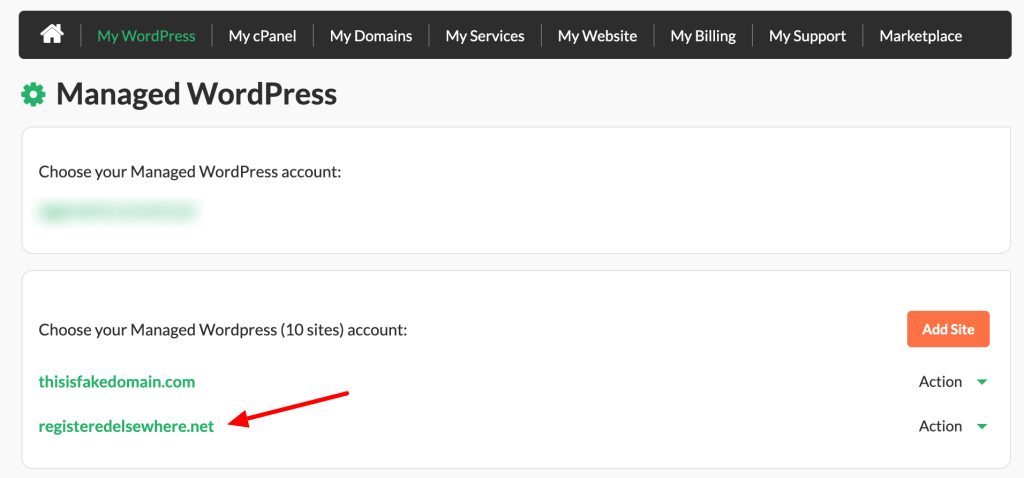
- HostPapa’s Managed WordPress control panel will open.
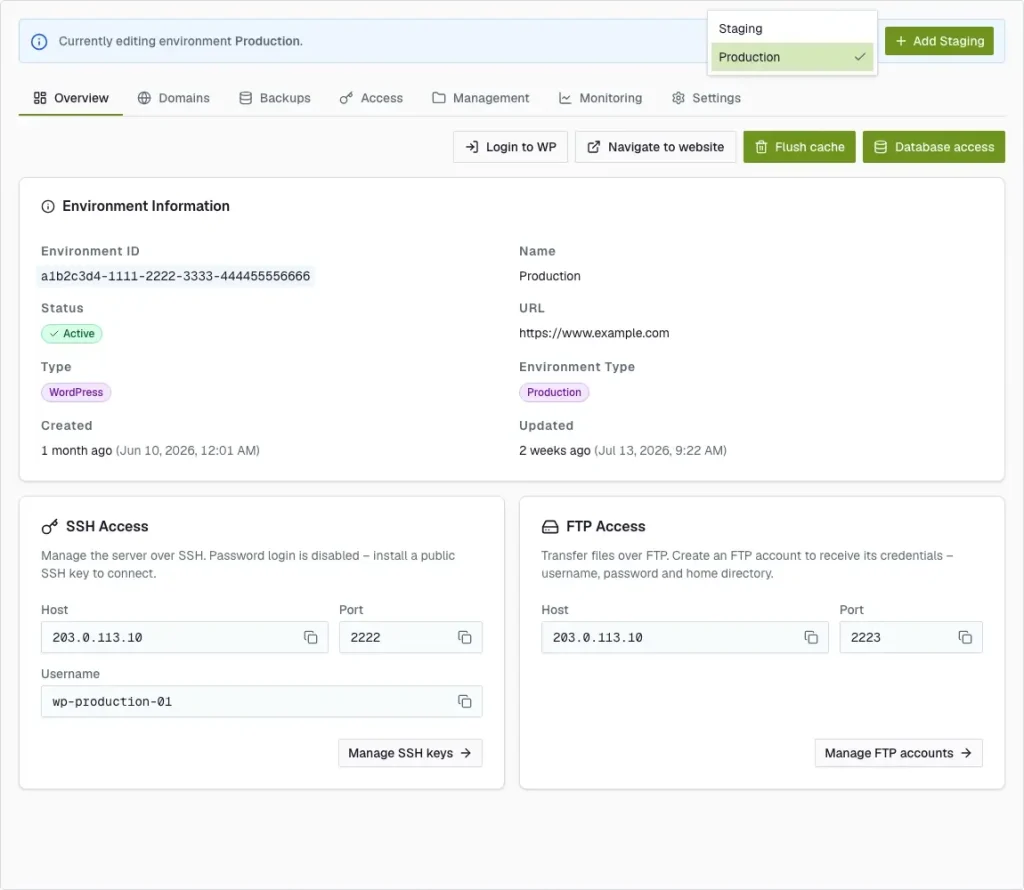
Review our Managed WordPress Dashboard Overview article for more information about using your account.
If you need help with your HostPapa account, please open a support ticket from your dashboard.