Adding a signature is like putting your own personal stamp at the end of each email that you send.
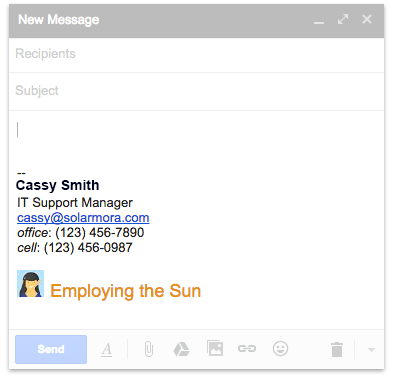
Your signature might include your name, title, and contact information.
Learn how to create your email signature in Gmail by following the steps in this informational video or the written instructions below.
- Click Settings
 and select Settings.
 - On the General page, scroll down to the Signature section and compose your signature. Use the format bar to add text colors, styles, links, and even a picture.
- At the bottom, click
 .
.